
Overview
Bud AI Foundry Connectors let teams give agents secure access to external systems. Use them to configure MCP tool gateways, attach selected tools to agents, and provision shared event connections for trigger-driven workflows.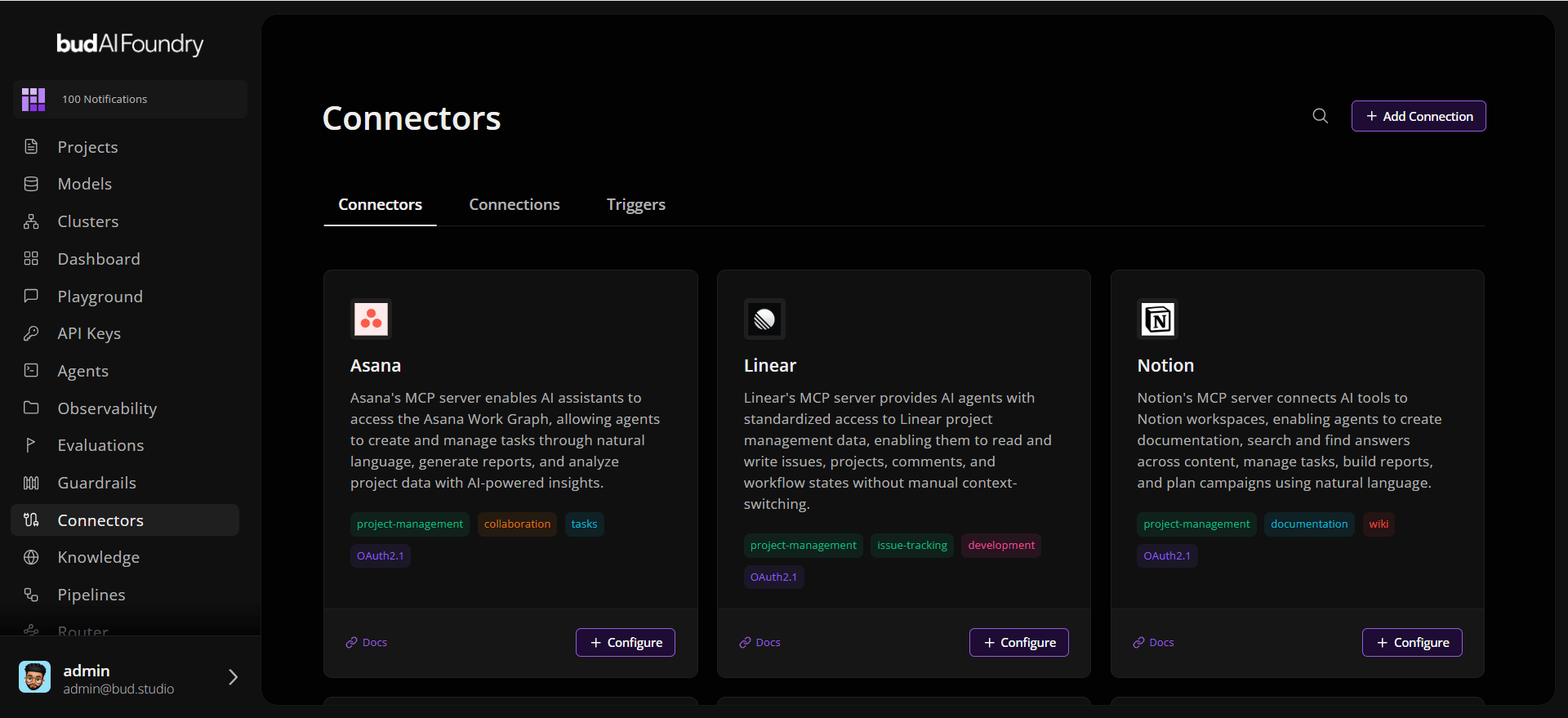
Key Features
Registry-backed MCP connectors Browse connectors from the MCP Foundry registry, review metadata, enter connector-specific credentials, and create reusable gateways. Custom MCP gateways Create custom gateways when a tool server is not in the registry. Define the name, URL, transport, authentication type, credentials, and agent visibility. Agent-scoped tool attachment Attach only the tools an agent needs. Existing shared connections can be authorized once and reused across agents without re-entering credentials. Shared event connections Provision event-provider connections for systems such as Slack, GitHub, Linear, Asana, and Microsoft Teams so agents can respond to external activity. Project and global visibility Control whether a connection is available globally or only to selected projects. Project-scoped event connections always include the agent’s project.Connector Types
Connector credentials and event credentials are submitted as provider-defined key-value payloads. Secret fields are rendered as password inputs in Bud Admin and validated by the backend descriptor or connector schema.
How It Works
- Discover - Search the connector registry or choose an event provider.
- Configure - Enter credentials, optional gateway name, and visibility scope.
- Authorize - Complete OAuth when the connector requires user consent.
- Fetch Tools or Events - Load tool definitions for MCP gateways or event catalogs for trigger providers.
- Attach - Add selected tools to an agent or use the event connection in a trigger.
- Operate - Rename, enable, disable, update scope, detach, or delete connections.
Use Cases
Agent Tooling
Let agents call tools from SaaS systems, databases, internal APIs, and MCP servers.
Event-Driven Agents
Start agent workflows from provider events such as chat messages, repository updates, or tickets.
Reusable Enterprise Connections
Configure a connector once and share it with selected projects or the whole organization.
Governed Access
Keep tools disabled, project-scoped, or globally available depending on operational policy.
Getting Started
Quick Start
Configure a connector and attach tools to an agent.
Connector Concepts
Learn about gateways, scopes, OAuth, tools, and event connections.
Detailed Tutorial
Create your first reusable connector step by step.