
What You’ll Build
In this walkthrough, you will create a deployment, validate runtime health, use endpoint snippets, add reliability settings, and optionally publish it to the Customer Dashboard portal.Prerequisites
- Access to a project workspace
- Permission to manage deployments
- At least one available model source and cluster target
Step 1: Navigate to Deployments
- Open Projects.
- Select your project.
- Click Deployments.
Step 2: Start Deployment Creation
- Click Deploy Model.
- Choose model source.
- Select cluster and template/use-case profile.
Step 3: Configure Runtime Targets
- Enter deployment name.
- Set concurrency and performance targets.
- Review context/sequence-related runtime fields as applicable.
Step 4: Launch and Validate
- Submit the deployment.
- Open its detail page.
- Confirm General tab status is healthy.
- If local, verify Workers activity.
Step 5: Harden Reliability Settings
- Open Settings.
- Configure rate limiting strategy and quotas.
- Add retry and fallback logic.
- Save changes.
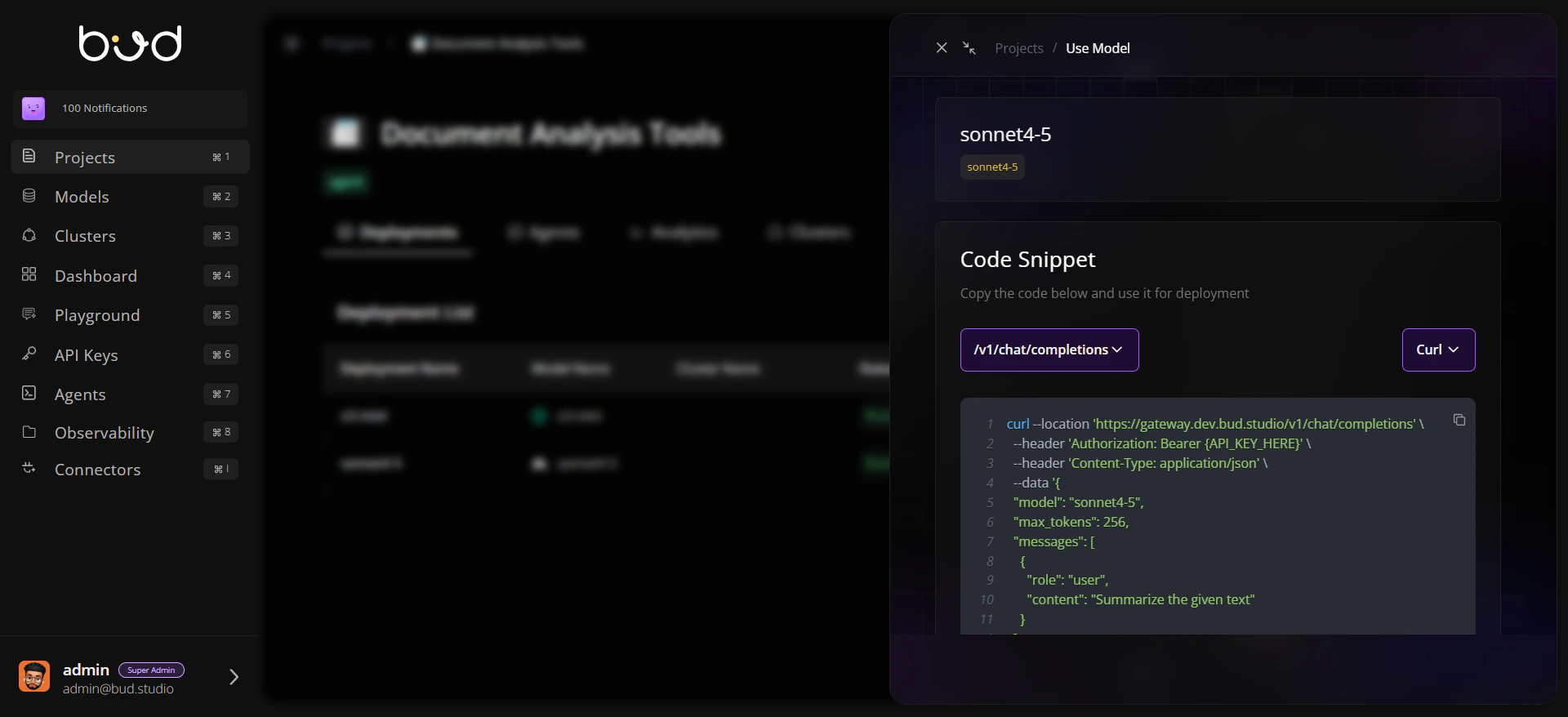
Step 6: Use This Model for Integration
- Click Use this model from the deployment row or detail page.
- Copy cURL/Python/JavaScript snippet.
- Run a test request from your application or API client.
Step 7: Publish for Customer Dashboard (Optional)
- Return to Deployments table.
- Click Publish and provide pricing metadata.
- Confirm the model is available in the Customer Dashboard portal.
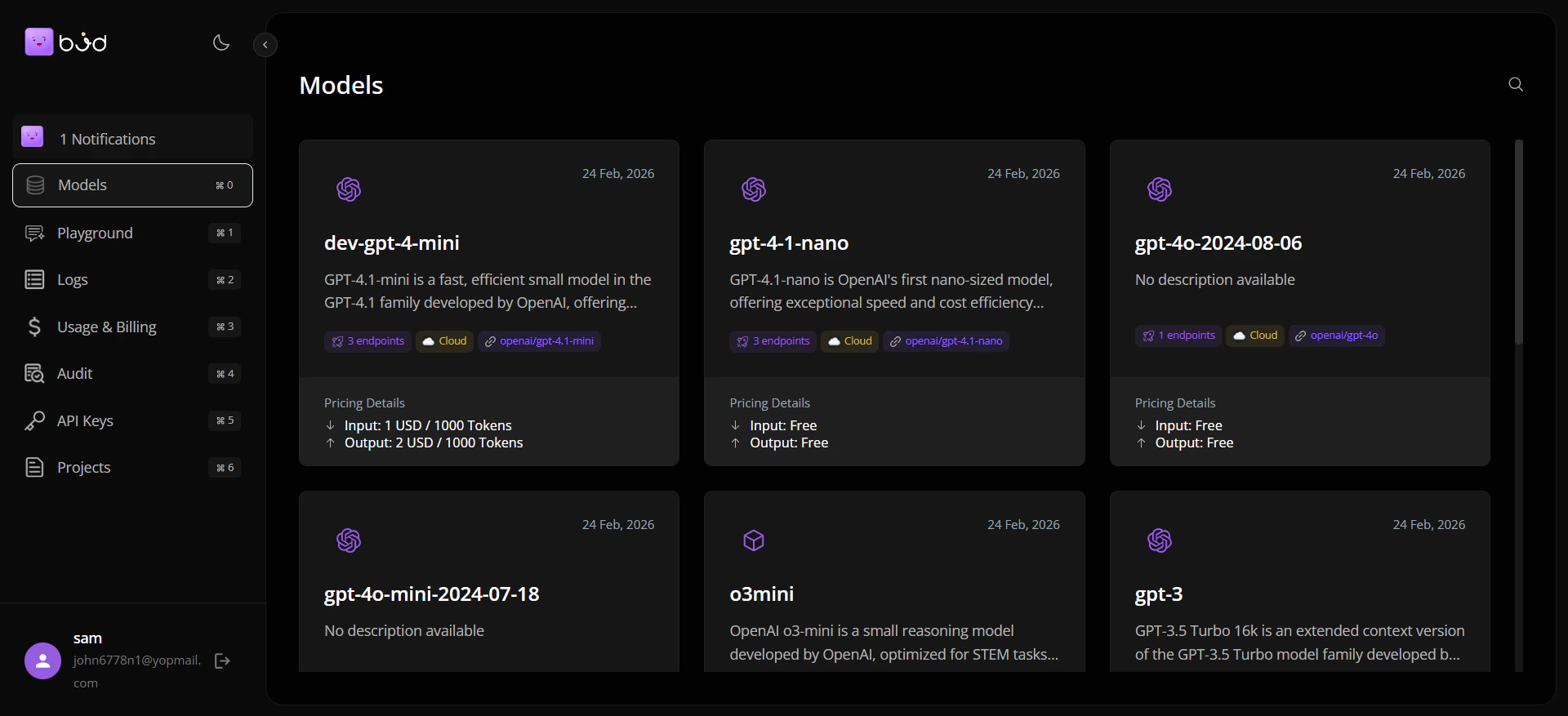
Pricing is quoted in the unit the deployment’s calls are metered in. A text model is priced per token (input and output). A voice model has a single price: per character of input text for speech generation, per second or minute of input audio for transcription and translation, or per request. The form opens with the rate from the model catalogue, which is the provider’s rate; set what your customers pay.
End-to-End Flow
Best Practices
- Use clear, environment-aware naming conventions for deployments.
- Validate deployment status before sharing snippets or publishing.
- Keep Use this model for direct API integration workflows.
- Use Publish only when the deployment should appear in the customer-facing portal.