Generate tools from API definitions
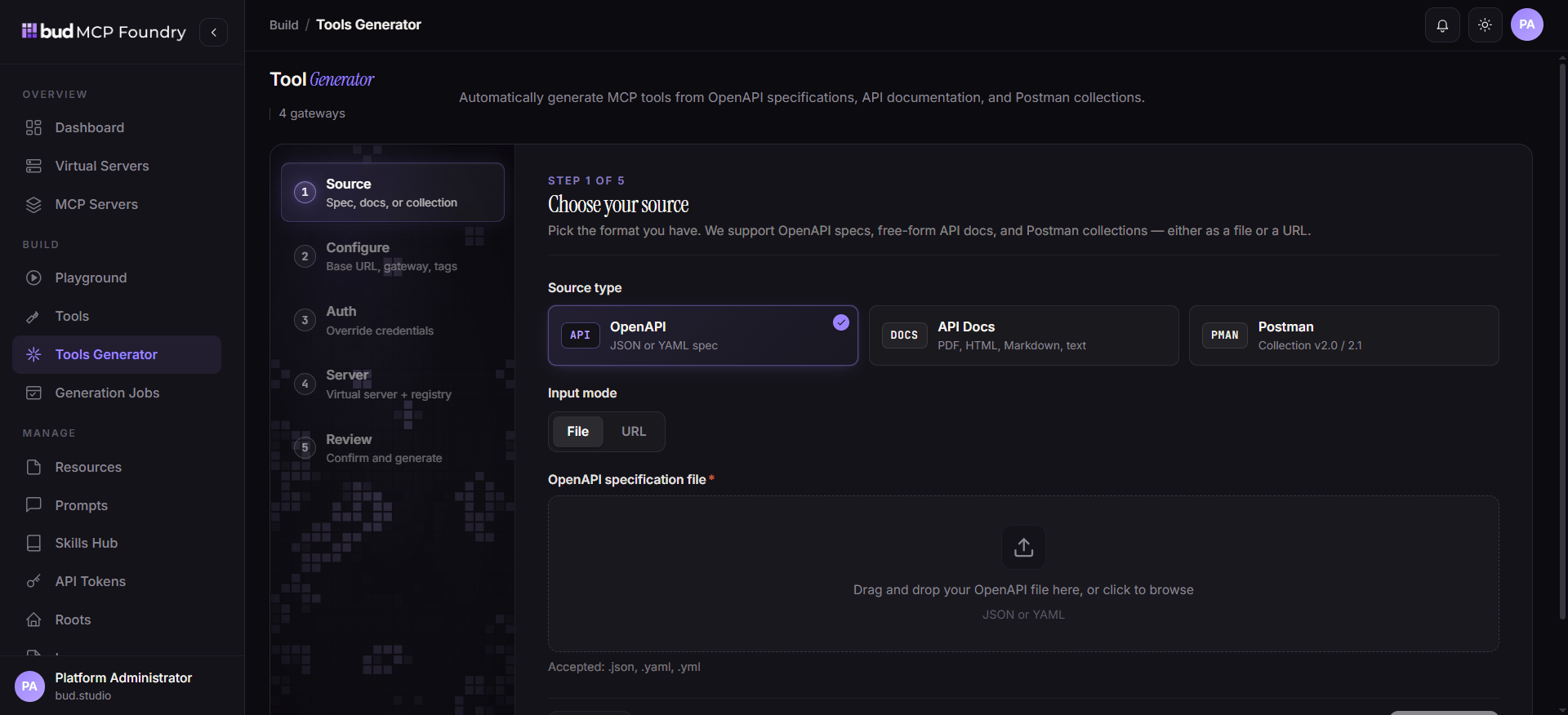
The MCP Tools Generator accelerates API onboarding. It accepts OpenAPI specification files or URLs, API documentation, and Postman collections, then produces candidate tool definitions that should be reviewed before publication.- Open MCP Tools Generator.
- Choose the source type and provide the file or URL.
- Start the generation job and follow its status in Generation Jobs.
- Review names, descriptions, endpoints, request schemas, authentication assumptions, and visibility for each generated tool.
- Test generated tools with non-production credentials.
- Attach only approved tools to a virtual server.
Caution: Generation is an onboarding aid, not an authorization decision. Check every generated endpoint and credential scope, especially for write or destructive operations.
Connect and publish MCP servers
Use MCP Servers to manage external, self-hosted, or deployable MCP services. Browse the registry for pre-integrated options, or register a server using the connection approach appropriate for the deployment. For command-line servers, MCP Foundry can bridge the server so agents can reach it through a managed network endpoint. After connecting a server:- Verify its health and capability catalog.
- Review the imported tools, resources, and prompts.
- Restrict access through teams, visibility, and virtual-server composition.
- Test a representative call in Playground.
- Monitor logs and error rates after release.
Govern access and operations
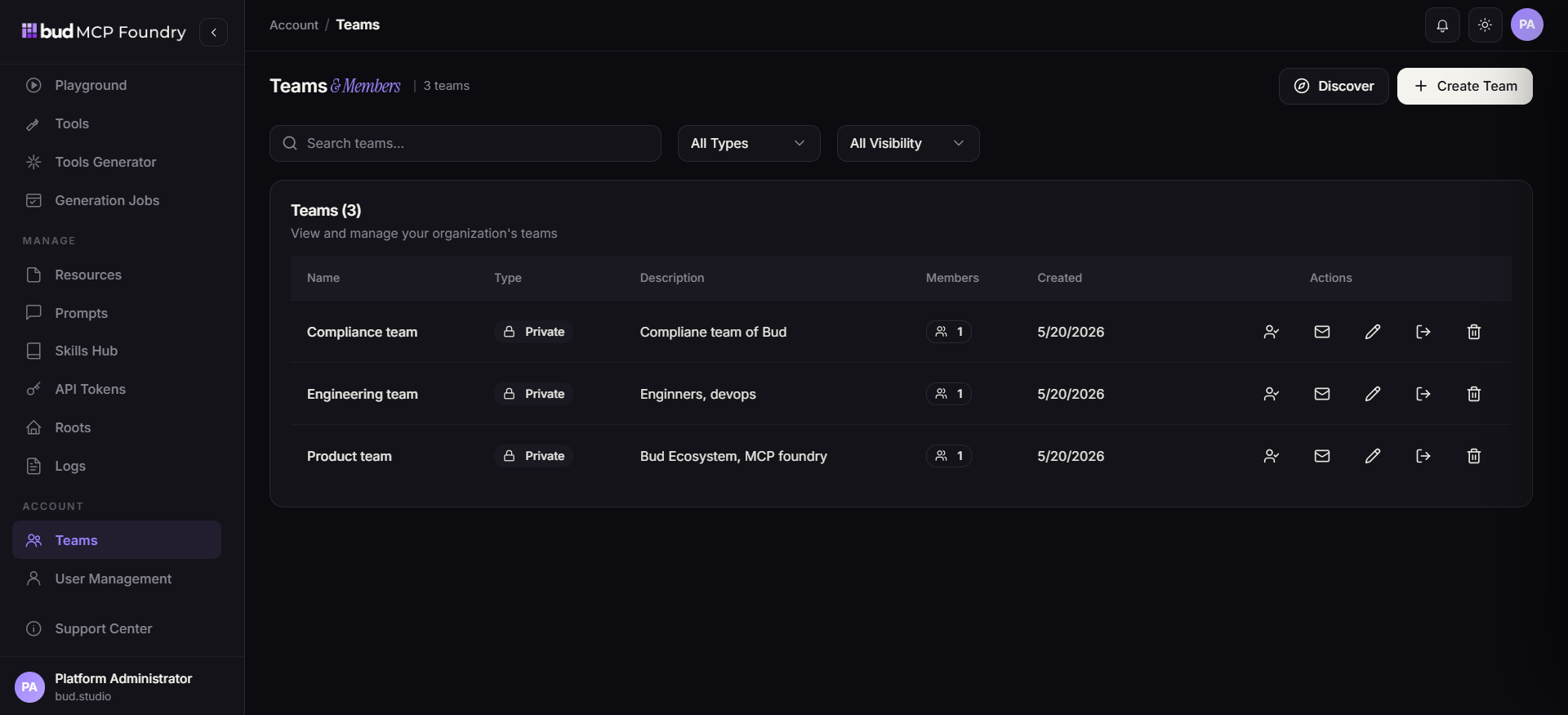
- Use Teams to establish ownership and scoped collaboration.
- Use API Tokens for programmatic access; rotate and revoke them according to your security policy.
- Configure Roots to constrain filesystem access for server workloads to explicitly permitted directories.
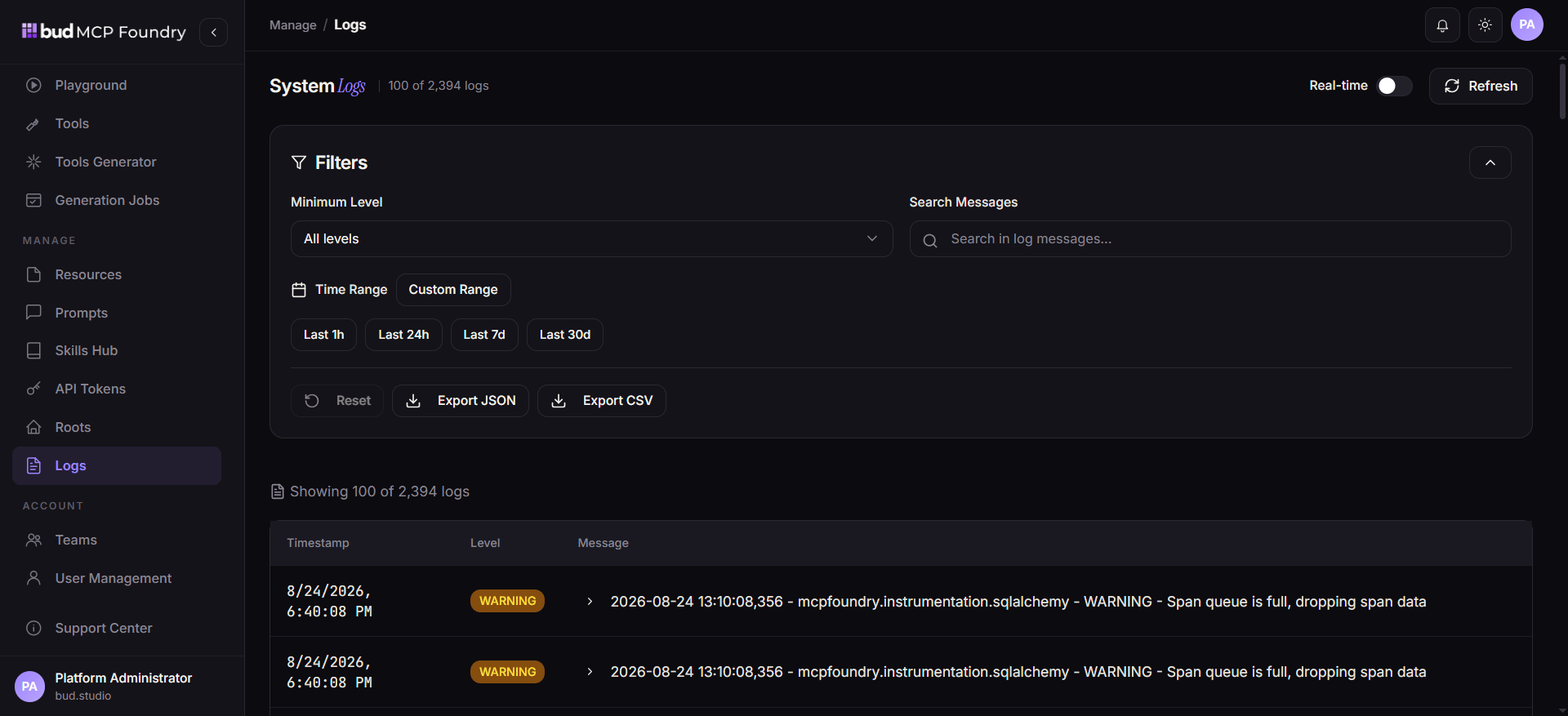
- Use Logs to trace activity and investigate failures.
- Use dashboard metrics to identify slow endpoints, error-prone tools, and unusual traffic patterns.